
Download VPN Easy APK – Free VPN Proxy, Secure Internet, Fast Connection, Android App
Overview
VPN Easy is a free Android application developed by ZPN, designed to provide users with a secure and unrestricted internet connection. The software functions as a virtual private network (VPN) proxy, enabling users to browse the web privately and access content that may be restricted or blocked in their region. It is particularly useful for individuals using public Wi-Fi networks, where data security is a major concern. The app supports unblocking websites, accessing social media platforms, and playing online games without regional restrictions. It also allows users to bypass internet censorship in certain countries, making it a valuable tool for travelers, remote workers, and privacy-conscious individuals.
The application is built specifically for Android devices and is compatible with all Android versions, ensuring broad accessibility across a wide range of smartphones and tablets. Its core purpose is to enhance online privacy, protect user data, and offer unrestricted access to global content. With no registration or login required, the app emphasizes simplicity and immediate usability. The developer did not provide additional information about the company’s background or development philosophy.
Key Features & Capabilities
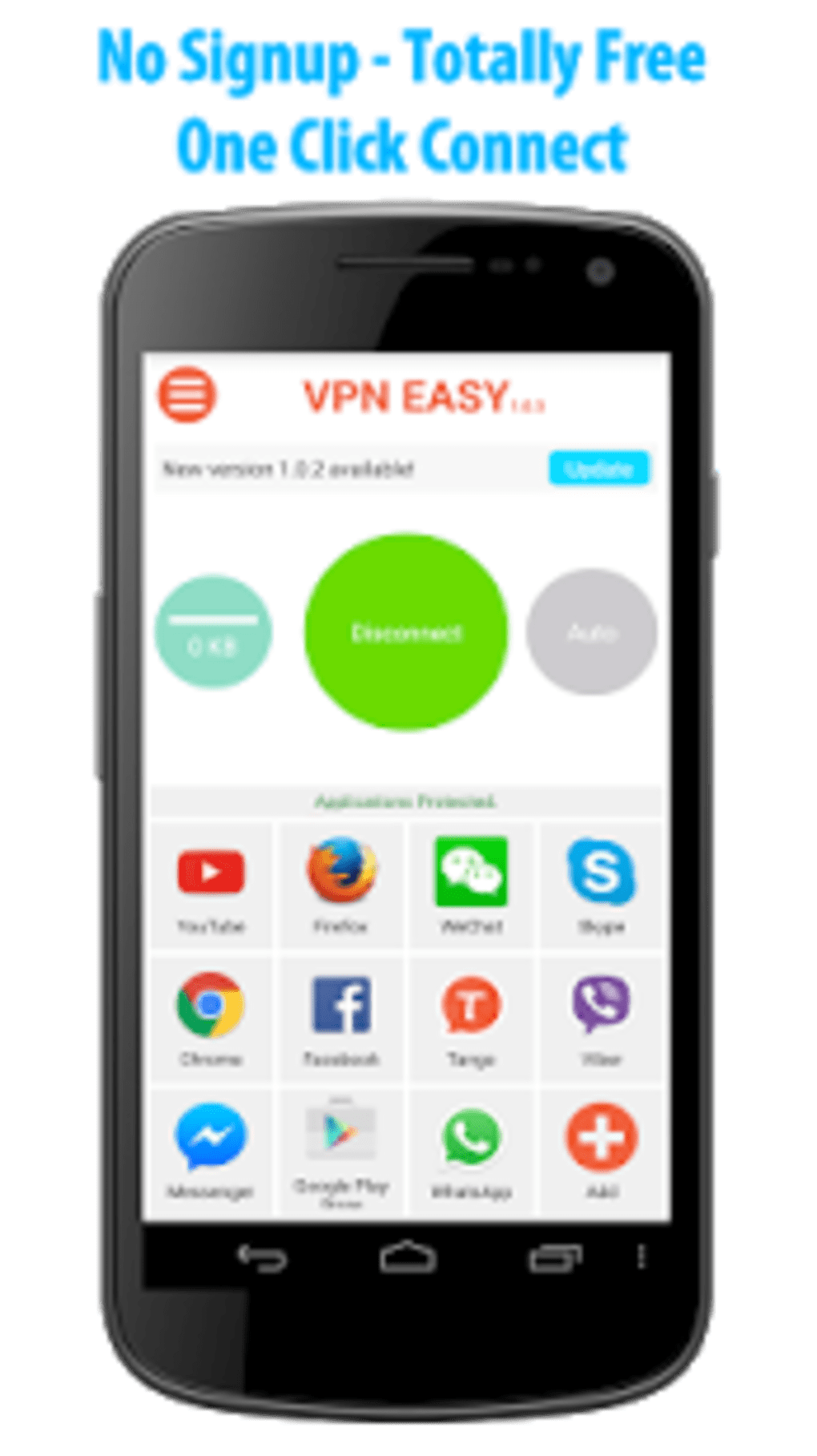
- One-Tap Connection: Users can connect to a secure server with a single tap, minimizing setup time and simplifying the user experience.
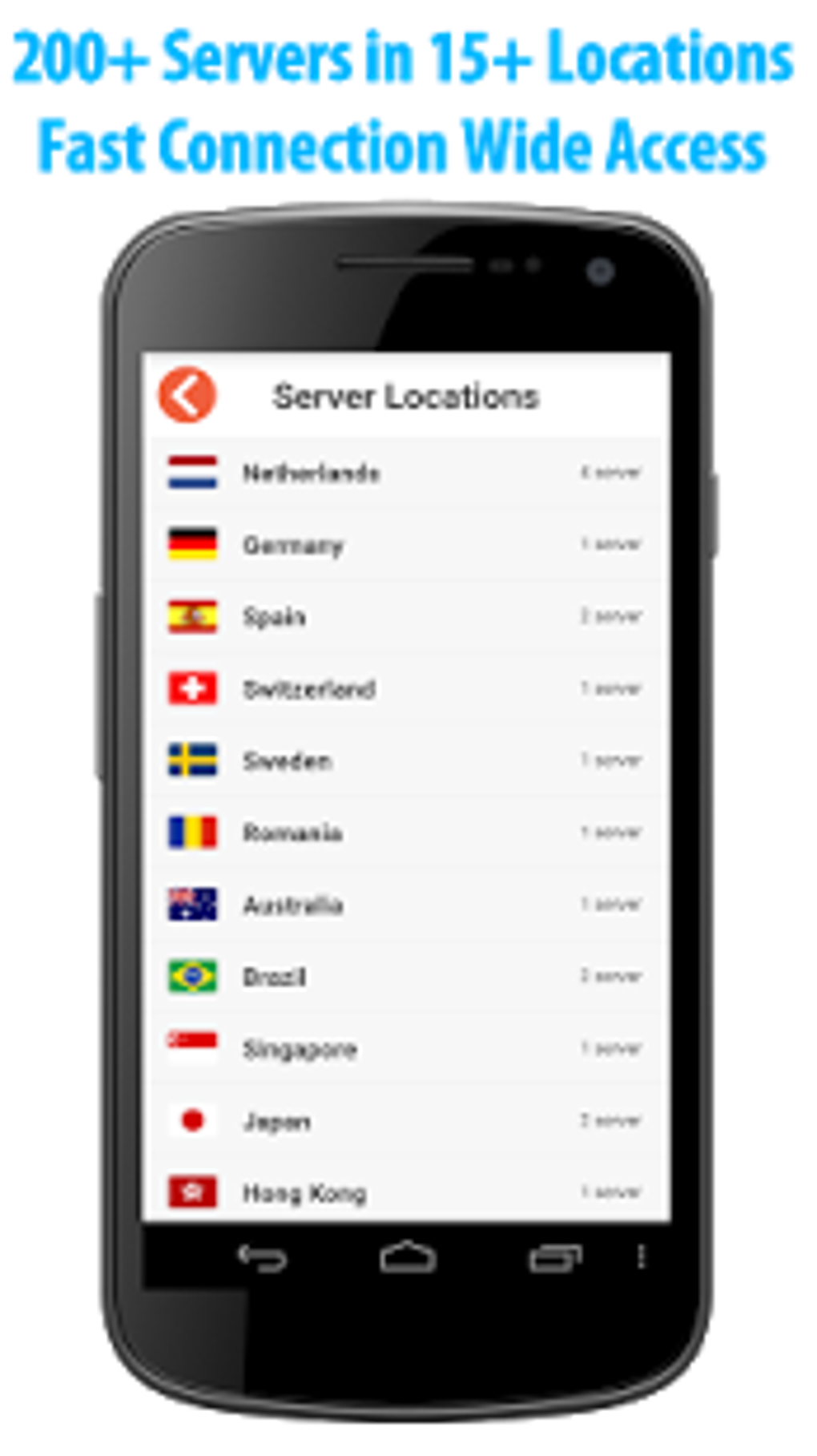
- Global Server Network: The app provides access to a large number of servers located in various countries, enabling users to appear as if they are browsing from different regions.
- Website Unblocking: Designed to bypass geo-restrictions and censorship, allowing access to blocked websites, streaming platforms, and social media services.
- Privacy Protection: Features encryption and a no-logs policy to safeguard user data and ensure online activities remain confidential.
- Lightweight Design: Engineered to have minimal impact on battery life and data usage, making it suitable for long-term use on mobile devices.
- Free Access: No hidden fees, subscriptions, or payment requirements—users can access all core features at no cost.
These capabilities make the app ideal for users who need quick, secure access to the internet while traveling, working remotely, or using public networks. Real-world scenarios include accessing work-related resources from abroad, streaming region-locked content, or securely using public Wi-Fi at cafes or airports.
User Interface, Workflow & Performance
VPN Easy features a simple and intuitive interface, optimized for mobile use. The main screen displays a list of available server locations, with a prominent connect button for immediate access. Navigation is straightforward, requiring minimal user input to initiate a secure connection. The workflow is designed to be efficient, with no complex configuration steps or technical settings.
Performance observations are based on general software behavior patterns. The app is described as lightweight and fast, suggesting efficient operation under normal conditions. However, exact performance details were not specified.
The developer did not provide information about CPU or RAM usage, nor did they share data on connection stability or speed consistency. Battery impact and data consumption are reported to be minimal, but real-world testing results were not included. Users should be aware that actual performance may vary depending on network conditions, server load, and device capabilities.
Compatibility & System Requirements
VPN Easy is designed for Android devices and supports all Android versions. The application is distributed as an APK file, allowing installation on devices without requiring access to the Google Play Store. The installation size is not specified, but the app is described as lightweight, indicating a relatively small footprint on the device.
Exact system requirements were not listed. Compatibility information was partially provided, confirming support for Android but not detailing minimum OS versions, processor requirements, or memory specifications. The developer did not provide additional details about hardware compatibility or installation prerequisites.
Pros and Cons
Pros
- Completely free with no hidden fees or subscriptions
- One-tap connection for instant access to secure servers
- Supports a wide range of server locations across multiple countries
- Designed for privacy with encryption and a no-logs policy
- Lightweight with minimal impact on battery and data usage
- No registration or login required—immediate usability
Cons
- Exact performance metrics and resource usage details were not provided
- Compatibility with specific Android versions or hardware was not confirmed
- Limited information about server reliability, uptime, or speed consistency
- No official support channel or detailed documentation provided
- APK distribution may raise security concerns for cautious users
FAQ Section
Is VPN Easy safe to use?
The app claims to use encryption and follows a no-logs policy to protect user privacy. However, users should exercise caution when downloading APK files from third-party sources, as they may pose security risks.
Can I use VPN Easy on any Android device?
Yes, the app is designed to work on all Android versions. However, the developer did not specify minimum OS or hardware requirements.
Does the app require registration?
No, VPN Easy does not require any registration or login. Users can start using the app immediately after installation.
Is the app free to use?
Yes, the app is completely free with no hidden fees, subscriptions, or in-app purchases.
Can I use it offline?
VPN Easy requires an active internet connection to function. It cannot operate without an online connection.
Final Thoughts
VPN Easy presents a compelling option for Android users seeking a free, simple, and privacy-focused internet connection. Its one-tap functionality, global server access, and emphasis on security make it suitable for casual users, travelers, and individuals concerned about online privacy. While detailed technical information is limited, the app’s lightweight design and no-logs policy are strong points for those prioritizing ease of use and data protection. However, users should be mindful of the risks associated with downloading APKs from unofficial sources.
For those in need of a straightforward, no-cost solution to access unrestricted content and protect their online activity, VPN Easy offers a practical choice. Download VPN Easy now.





.png)

